
Search what's inside the photo
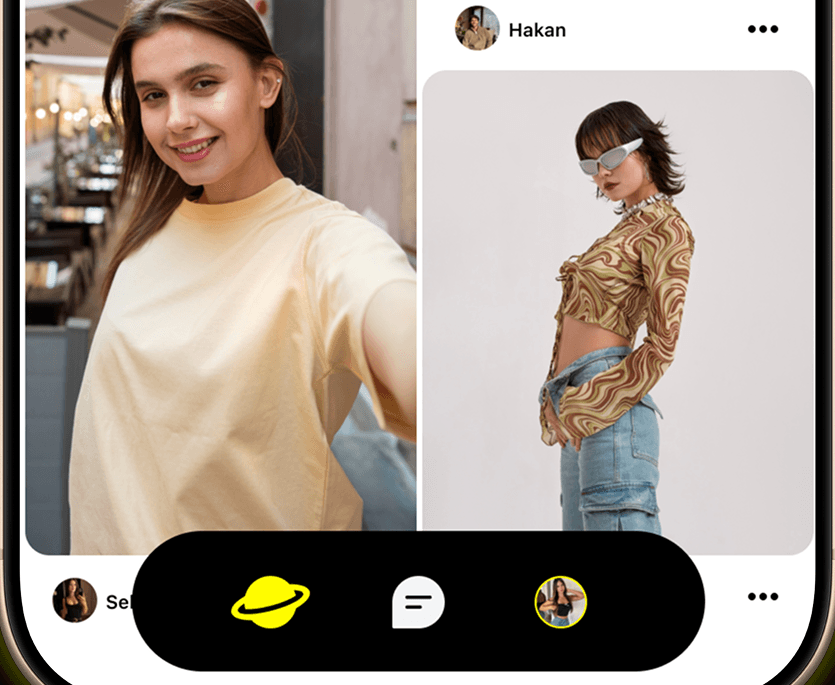
Suffle shows photos and short videos in a two-column feed. AI analyzes every upload, so your search matches what is visible in an image even when the caption never mentions it.
iOS 15.1+ / Android 8.0+
Search what you saw, keep what you find
AI reads every post the moment it is uploaded, so you can search by what is actually in the picture.
Discover Feed
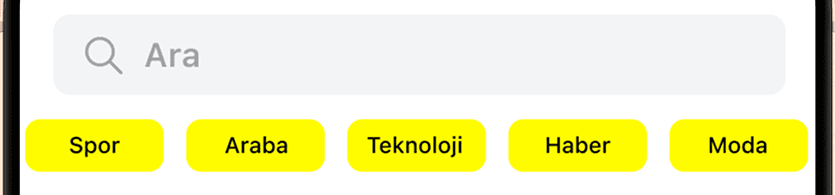
Discover is a two-column grid, newest posts first. Tapping a category chip above it drops that word into the search box, and the chips change as the content does.
Tagged as You Upload
AI reads every photo and video you upload along with its caption, then derives the category, tags and description itself. The same check rejects explicit uploads.
Search Inside the Photo
Because the tags come from the pixels, search matches what the caption never mentioned. It crosses languages too: a Turkish query finds posts tagged in English.
Sosla to Save It
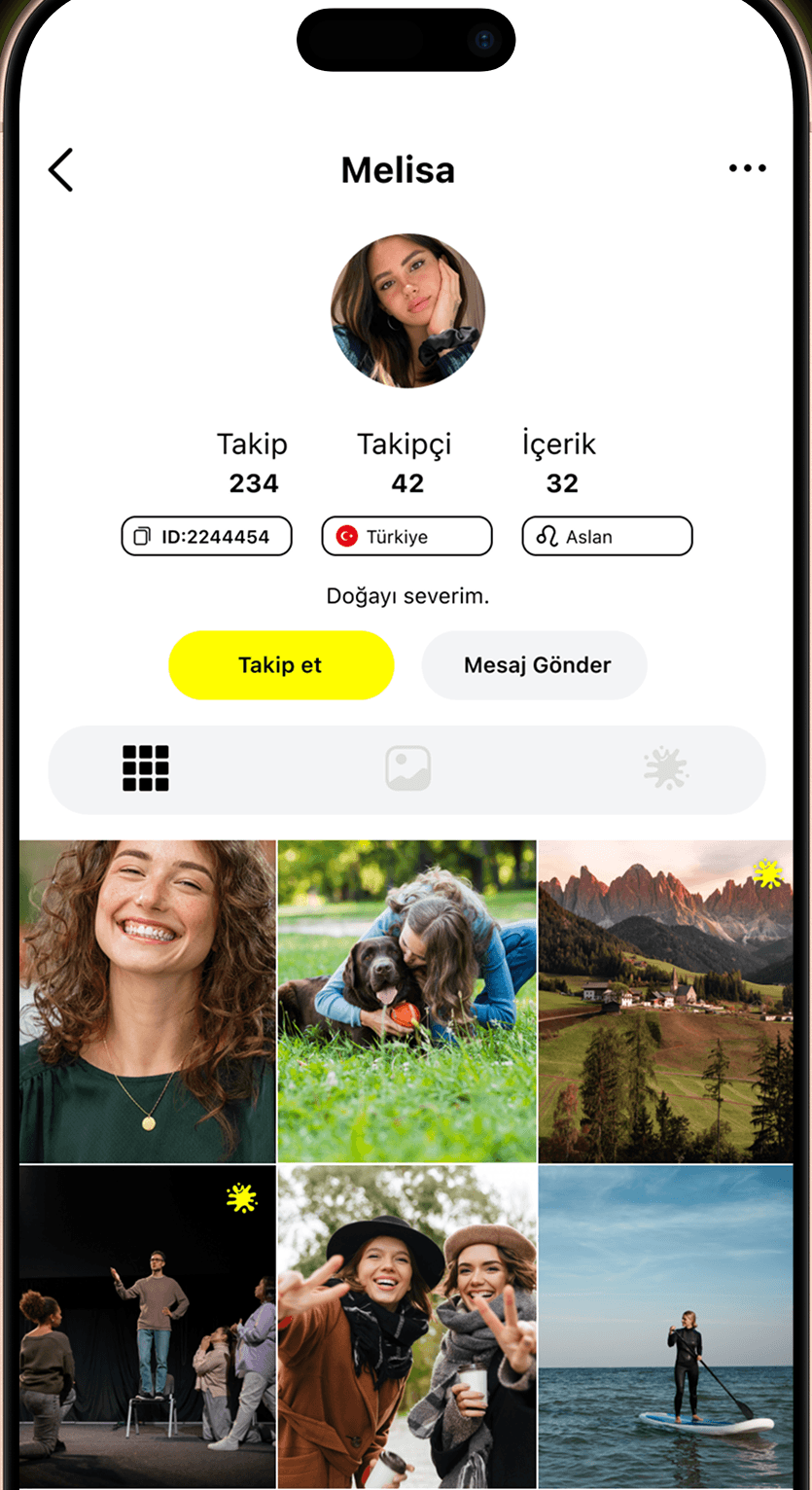
One tap soslas a post and the count updates instantly. Everything you sosla lands in a single saved area on your profile.
Photos and Suffles
Photos post as 4:5 portrait with a cropper built in, and anything unfinished waits as a draft. Suffles are short videos from your library, up to 10 seconds.
Messages Arrive Translated
When you and the other person write in different languages, messages reach you already translated. The original stays in the same bubble, so there is nothing to tap.
How it works
Three steps from opening the app to your first sosla.
Sign Up
Sign in with Google, your phone number, or Apple on iOS. Then pick a username and add your birth date, gender and a profile photo.
Find It
Scroll the two-column feed, tap one of the categories above it to run that search, or type something you can see in a photo.
Sosla It
One tap saves the post to the saved tab on your profile, where everything you sosla stays in one place.
Three things you notice first
What the app actually does while you scroll, post and chat.
Search the picture itselfSearch
The tags come straight from the pixels, so a word that never appears in the caption still finds the post when the photo clearly shows it.
Tagging happens for youUpload
AI reads every photo and video you post together with its caption, then files it under a category with its own tags, so you never sort anything.
Messages arrive translatedMessages
When the other person writes in another language, translation is on from the start: the message reaches you in yours, the original still in the same bubble.
You stay in control
Reporting, blocking and automatic moderation all work inside the app, and your account stays yours.
Reporting
Report a person, a post or a single chat message under one of 15 categories, and attach a screenshot to the report.
Blocking
A blocked person's content disappears from your feed and your search results, and their profile is hidden. You can unblock them from settings.
Automatic Moderation
The AI that categorises every uploaded photo and video also rejects explicit content. Every message is screened server-side against a maintained forbidden-word list.
Your Account Is Yours
You can delete your account from the app whenever you like. Sign back in within 30 days and the deletion is cancelled; otherwise your account is permanently deleted. What you post is always your decision.
Frequently Asked Questions
The things people ask before they install.
Suffle is an app for discovering visual content. You browse photos and short videos in a two-column feed, save the ones you want to keep, and post your own. It is not a dating app: there is no matching, no swipe deck and no meeting-people angle.
You type words, and the search matches what is actually in the picture. AI reads every upload and derives tags and a description from the pixels, so a detail the caption never mentions still turns up. Search works across languages, too: a Turkish query finds posts tagged in English.
Sosla is the one-tap save: press the yellow splat icon and the count updates right away. Everything you sosla lands in a single saved tab on your profile. There are no folders, boards or separate lists. You cannot sosla your own post.
Photos go up as 4:5 portraits, cropped inside the app. Suffles are short videos picked from your library, up to ten seconds, with a trim editor and an option to strip the sound. You get three posts a day in total, photos and Suffles combined, and unfinished ones stay as drafts.
Sign in with Google, with Apple on iOS, or with your phone number and an SMS code. An account is required, and there is no guest browsing. Signup asks for a username, birth date, gender and a profile photo. Gender cannot be changed afterwards.
You can report a person, a post or a single chat message under one of 15 categories, and attach a screenshot. Blocking hides that person's profile and drops their content from your feed and search results; you can undo it from settings. Every message also passes a server-side profanity filter.
Suffle is free to download, and discovering, searching, posting and saving cost nothing. The app also offers optional auto-renewing subscriptions and coin purchases. It runs on iOS 15.1 and later, and on Android 8.0 and later.
Download Suffle for free
Create an account, browse the two-column Discover feed, and save any post with one tap.
iOS 15.1+ / Android 8.0+